
Games
How Teachers Are Using an AI Game Maker in the Classroom

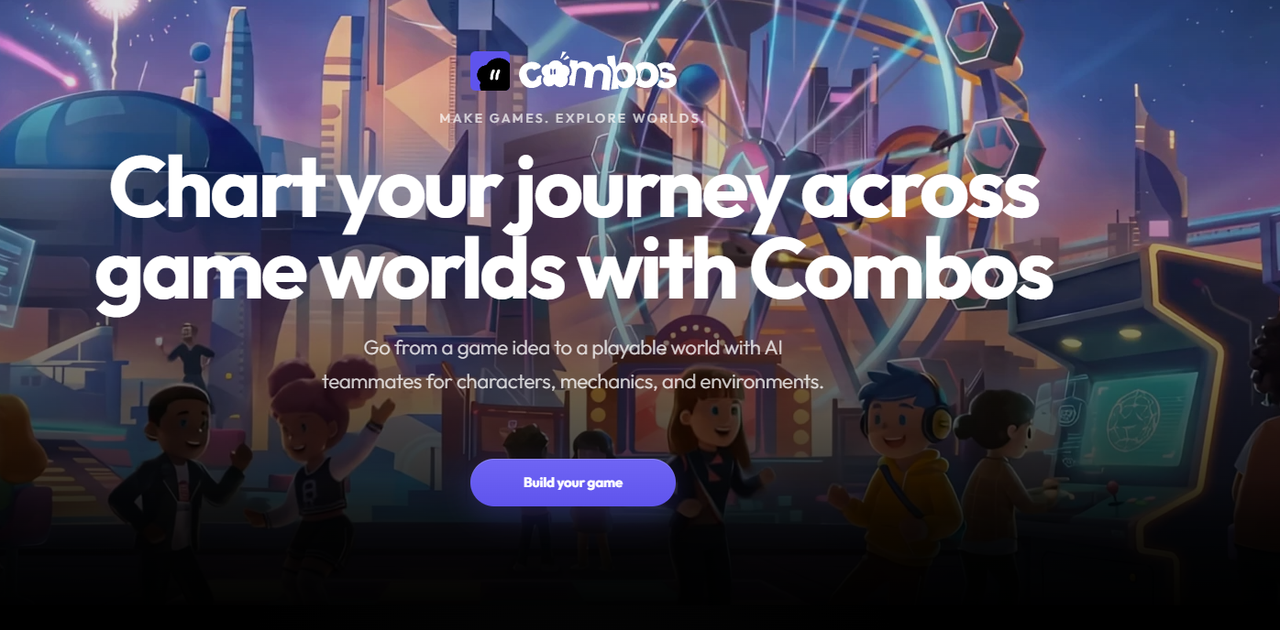
Most educational software was built for classrooms, but not by people who have spent time in them. The results are tools that feel like compromises — too rigid for creative teachers, too complex for reliable classroom use, and too expensive for stretched school budgets. They do what they were designed to do, but rarely what teachers actually need.
The shift happening now is different. An AI game maker places game creation in the teacher’s hands rather than locking it behind a developer’s skill set. Teachers can now build interactive learning experiences that match their curriculum, their class, and their teaching style — without relying on anything a developer has pre-built for them.
Why Game Creation Beats Game Playing in the Classroom
Having students play educational games is valuable. And having students build them is transformative. When a student creates a game about a topic, they must understand that topic well enough to structure it as a challenge for someone else. That process requires a depth of comprehension that passive learning rarely produces.
Student-built games also produce something tangible and shareable — a real outcome that students can be proud of and show to others. That sense of authorship changes how students engage with the subject matter.
A Teacher’s Quick-Start Guide to Combos
Here is exactly how a teacher with no technical background can build and publish an educational game using Combos Fun.
Step 1 — Create Free Account: Create a free account at combos.fun — no technical setup or downloads required. You are in the creation environment within minutes.
Step 2 — Describe Subject and Age: Choose ‘Build from Scratch’ and describe the subject matter and student age group to Boo. The more specific you are — “Year 5 students learning photosynthesis” — the more targeted the output will be.
Step 3 — Adjust for Curriculum: Review the generated Game Design Document — adjust quiz questions, objectives, or narrative to match your curriculum exactly. This is your opportunity to apply your subject expertise.
Step 4 — Share or Assign: Share the published game link with students immediately, or assign game-building as a class project. Both approaches work without any additional setup.
Real Examples: What Subjects Are Being Taught This Way
Maths lends itself naturally to quiz and challenge mechanics — arithmetic, fractions, and geometry all map to clear right-or-wrong feedback loops that games handle well.
Similarly, science works equally well in simulation formats, where students observe cause-and-effect relationships through gameplay rather than through static diagrams.
And history benefits most from narrative game formats, where choices reflect real historical decisions and their consequences. We have seen students learning more history from games than from reading books. Or maybe it is just that new students are leaning more towards better technologies. Finally, language learning works through vocabulary challenges, dialogue choices, and timed word recognition. The subjects that initially seem harder to gamify — literature, philosophy — often translate best into branching narrative formats where there is no single correct answer but meaningful choices that provoke discussion afterward.
Fitting Game Projects Into an Existing Curriculum
The practical concern most teachers raise is time. Lesson planning cycles are tight, and adding a technology project on top of existing curriculum demands feels unrealistic. The honest answer is that game creation on an AI game maker platform is fast enough to fit within existing planning time once teachers have used it once.
And the best of all, the AI already knows the most teaching material that is being taught, or you are planning to teach. So, with a few lines of simple prompts, you can instruct the AI to generate a complete game.
The first build takes an afternoon. Subsequent builds take less. A teacher who builds one educational game per unit quickly develops a library of interactive content that can be reused and modified each year.
Challenges Teachers Actually Face and How They Work Around Them
The most common practical challenge is device access — not every classroom has reliable one-to-one device availability. Combos addresses this through its shareable link system, which means students can access a game on any device without downloads or account creation. A single shared class device can work for group play if individual devices are not available.
The second challenge is digital literacy variation among students. Some students take to the creation tools immediately; others need more scaffolding. The natural language interface of Boo significantly reduces this barrier, since students can describe what they want in plain English without needing to navigate technical menus.
Conclusion
The classroom application of an AI game maker is genuinely exciting — not as a gimmick, but as a meaningful change in how interactive learning content gets created. Teachers are no longer waiting for developers to build tools for their subject. They are building those tools themselves, in planning time, without technical training. That shift matters for students, and it is happening right now.

How to Fix “Error Connecting to Server” on WebRTC Video Chats

Scaling Modern Applications: A Guide to Microservices and AWS Expertise

Evaluating a Fast Turn PCB Partner for High-Frequency Applications

Why Roaming Can Be a Problem Abroad and How an eSIM Can Help

Do You Really Need a Watch Winder for Your Automatic Watch?

Why Sportswear Is No Longer Limited to Athletes

The Name Necklace Trend Is Back, But More Grown-Up

A Clearer Route to Reliable professional drain clearance and CCTV inspection

Is The High Street Bank Losing Its Grip On UK Business Loans?

TabooTube Explained: The Powerful Platform for Unfiltered Content

SSIS 469: Fixing SQL Data Errors in ETL Workflows

content://cz.mobilesoft.appblock.fileprovider/cache/blank.html: Explained with Powerful Insights

Scrolller Explained: The Powerful Way to Browse Reddit Images

Zavalio com Explained: The Ultimate Truth You Must Know

adswynk com: Monetize Links With Smart Ads in 2025

Deshoptec com Review: Powerful Truth About This Online Store

kz43x9nnjm65: The Smart Code Transforming Digital Technology

Novafork: The Best Free Streaming Site for Movies, Shows & Anime

Milohacherry Coin Explained: The Powerful Lifestyle Crypto Rewarding Travel & Fitness
-
 Blog10 months ago
TabooTube Explained: The Powerful Platform for Unfiltered Content
-
 Blog12 months ago
SSIS 469: Fixing SQL Data Errors in ETL Workflows
-
 Blogs1 year ago
content://cz.mobilesoft.appblock.fileprovider/cache/blank.html: Explained with Powerful Insights
-
 Blog10 months ago
Scrolller Explained: The Powerful Way to Browse Reddit Images